4. Save a backup copy of your radio's existing configuration and codeplug to your computer, to avoid accidental data loss during the update process.
5. Fully charge your radio's battery before starting the upgrade, to prevent power interruption that could cause update failure.
After confirming all the above requirements are met, you can start the firmware update operation by following the steps below:
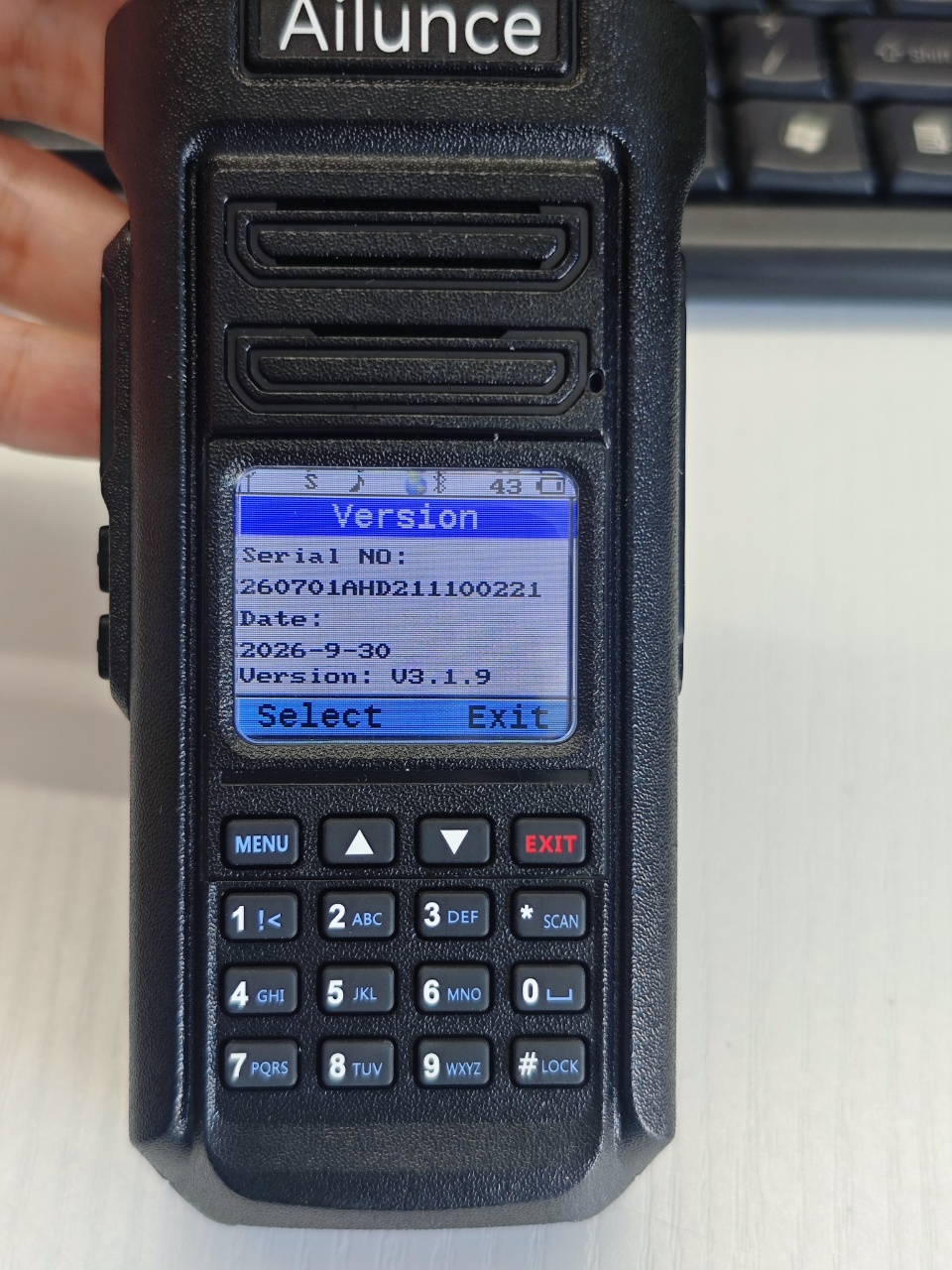
Step 1: Power off your Ailunce HD2 radio completely, then press PTT and SK1 together while turning on the radio to enter DFU mode. Next, connect it to your computer via the USB programming cable.
Step 2: Open the RETEVIS CPS and click "firmware" listed under the operation menu.
Step 3: Select the correct COM prot shown in Device Manager. The port name should be " USB-SERIAL CH340".
Step 4: Seletc the firmware file you downloaded to your computer, then click the download button. The upgrade process will begin and complete within 2 mins.