+86 15093323284 hams@ailunce.com




Retevis Official Walkie-Talkie App: Full Guide to Features, Supported Models & Download
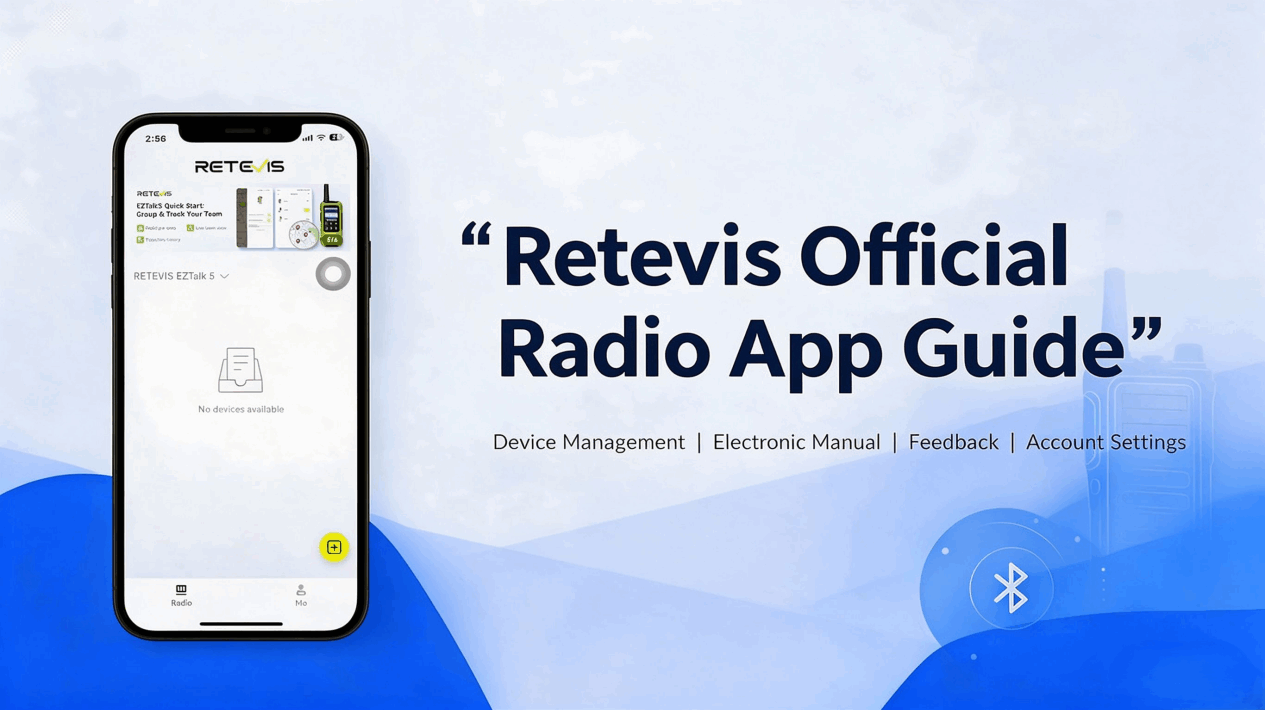
Retevis Official Walkie-Talkie App Comprehensive Guide: Features, Supported Models, and Download Methods
For teams relying on walkie-talkies, device management is cumbersome, user manuals are easily lost, and after-sales feedback is troublesome—these are common pain points in daily operations. Traditional walkie-talkies require computer-based configuration and manual channel/group setup, making it highly inconvenient to adjust settings during outdoor work or large-scale events, significantly reducing communication efficiency.
To address these issues, Retevis has launched an official companion mobile app that integrates device management, user manual lookup, after-sales feedback, and other functions into a single mobile platform—freeing two-way radio usage and management entirely from dependence on computers. With just one smartphone, users can complete the entire workflow.
I. Detailed Explanation of Core Functions
Based on the current version 1.3.3, the app’s core functionalities cover two main areas: device management and service support. The interface adopts a minimalist design, featuring only two bottom navigation tabs—“Radio” and “Me”—ensuring a low learning curve.
1. Bluetooth direct connection for one-stop device management
All device-related operations can be performed directly on the “Radio” main page—no computer or dedicated programming cable required.
- Simply turn on your phone’s Bluetooth to quickly search for and add compatible Retevis walkie-talkies, with automatic model identification.
- Supports unified management of multiple devices; allows viewing device online status and adjusting group configurations within the app.
- Built-in quick-start guides for each model enable new users to become familiar with operations swiftly—no need to consult the manual.
2. Full-featured personal center—comprehensive service support in one place
The “Me” page of the app consolidates all personal settings and service features, enabling users to view device information, submit feedback, and manage their accounts—all without navigating across multiple channels.
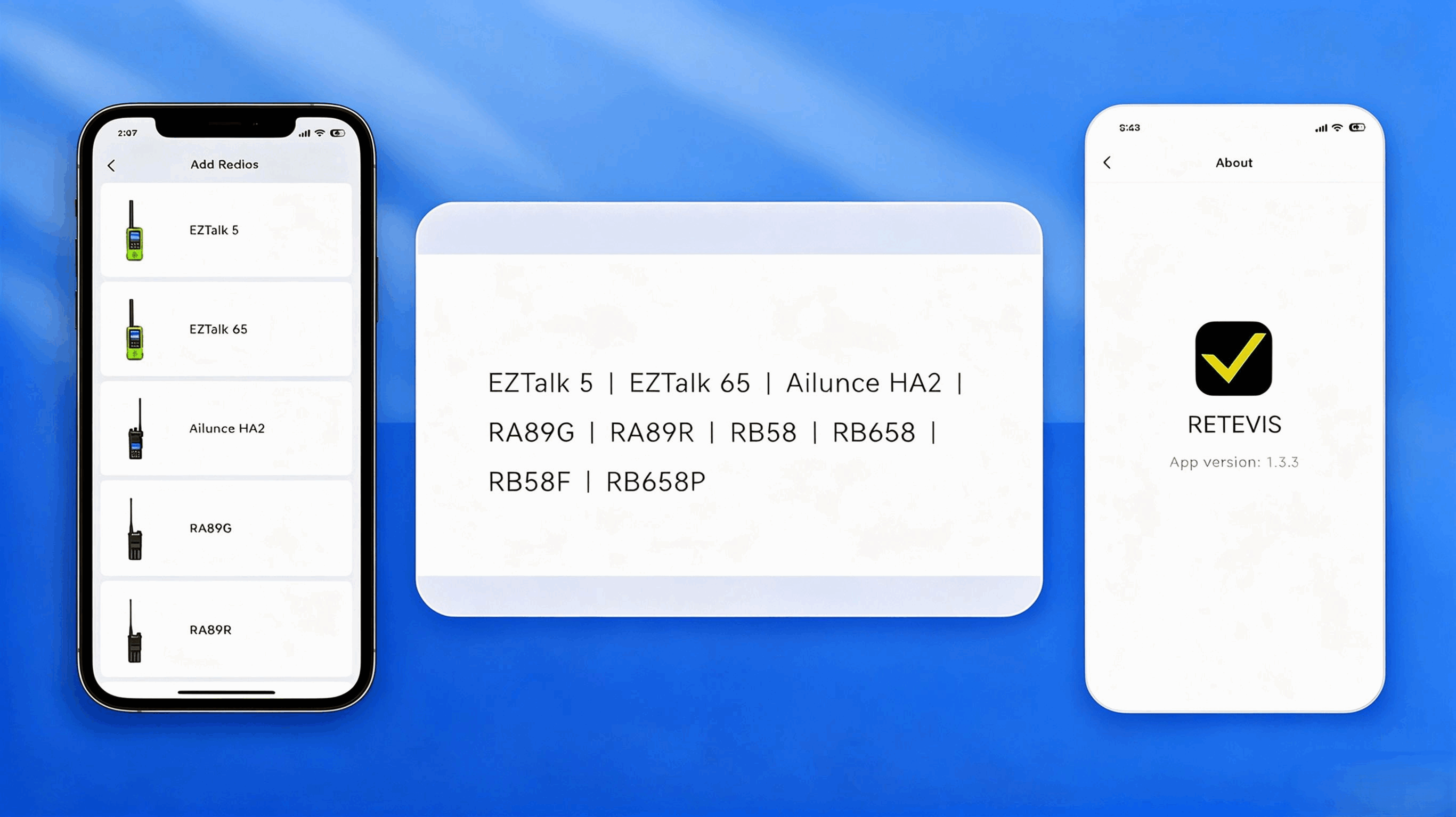
- Built-in electronic user manual for all models
Access the official electronic user manuals for all compatible models via the “Instruction Book” entry—no more searching for easily misplaced paper manuals. Look up operational guidance anytime you encounter issues, and rest assured that content is updated in sync with product updates. Currently, manuals are available for all compatible models across the four series: EZTalk, RB, Ailunce, and RA.
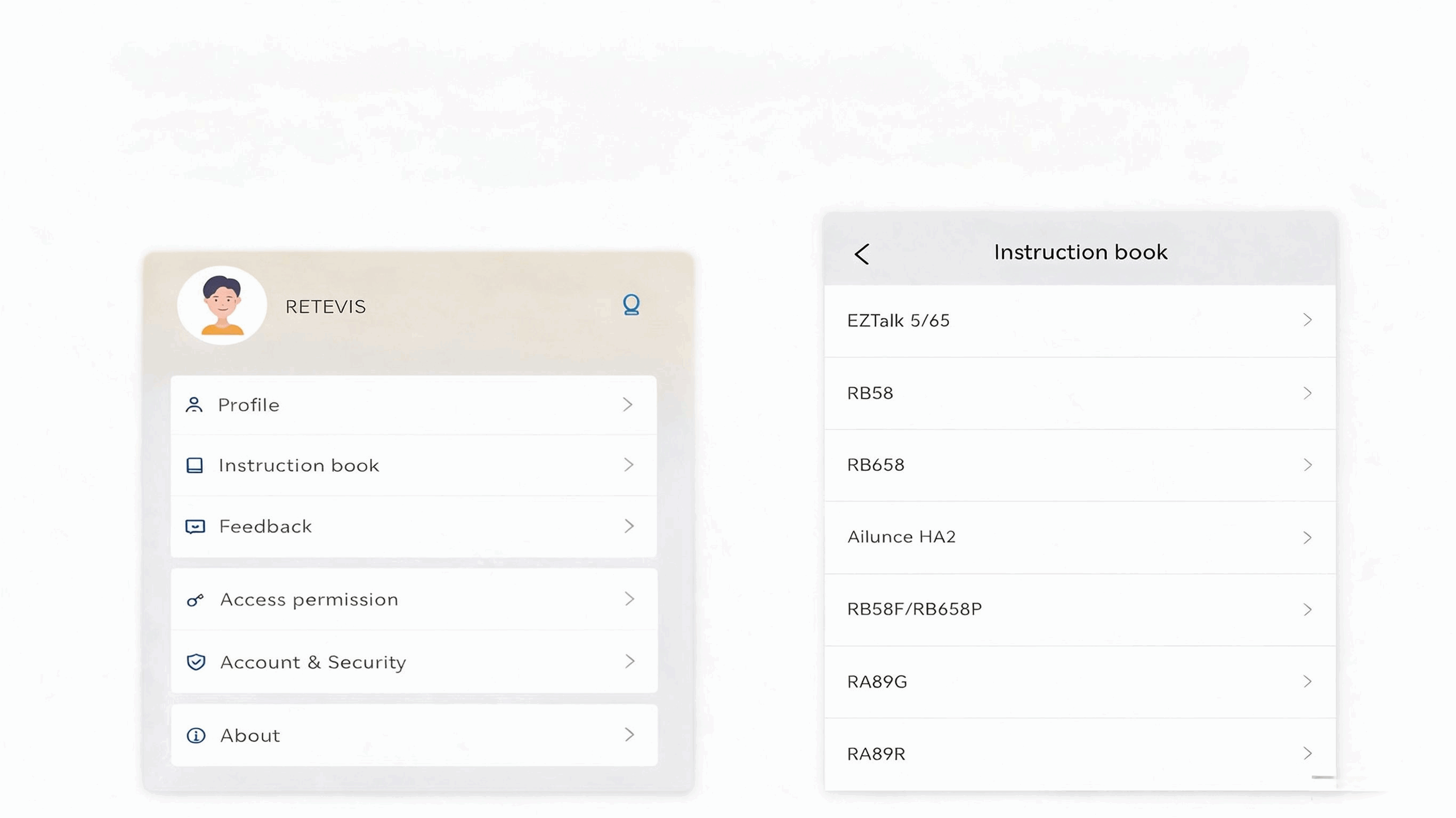
- Official Exclusive Feedback Channel
The app features a built-in “Feedback” entry point, allowing users to directly submit issues related to the device or app usage.
- You can select the issue type, enter the device model, purchase platform, and order number to help the official team locate the problem efficiently.
- Up to 6 screenshots or videos can be uploaded (total size not exceeding 50 MB) to clearly reproduce the issue scenario.
- Direct connection with the official technical team enables more efficient after-sales issue resolution.
- Comprehensive Account and Security Settings
On the “Account & Security” page, you can manage your bound email address, change your password, deactivate your account, and independently enable or disable marketing communication notifications. The “Access Permission” page allows quick navigation to the system’s blue [interface/function—context unclear].Dental permission settings ensure normal device connectivity. The profile page supports custom avatars, names, and personal signatures, meeting both team identification and personalization needs.
II. List of Supported Device Models
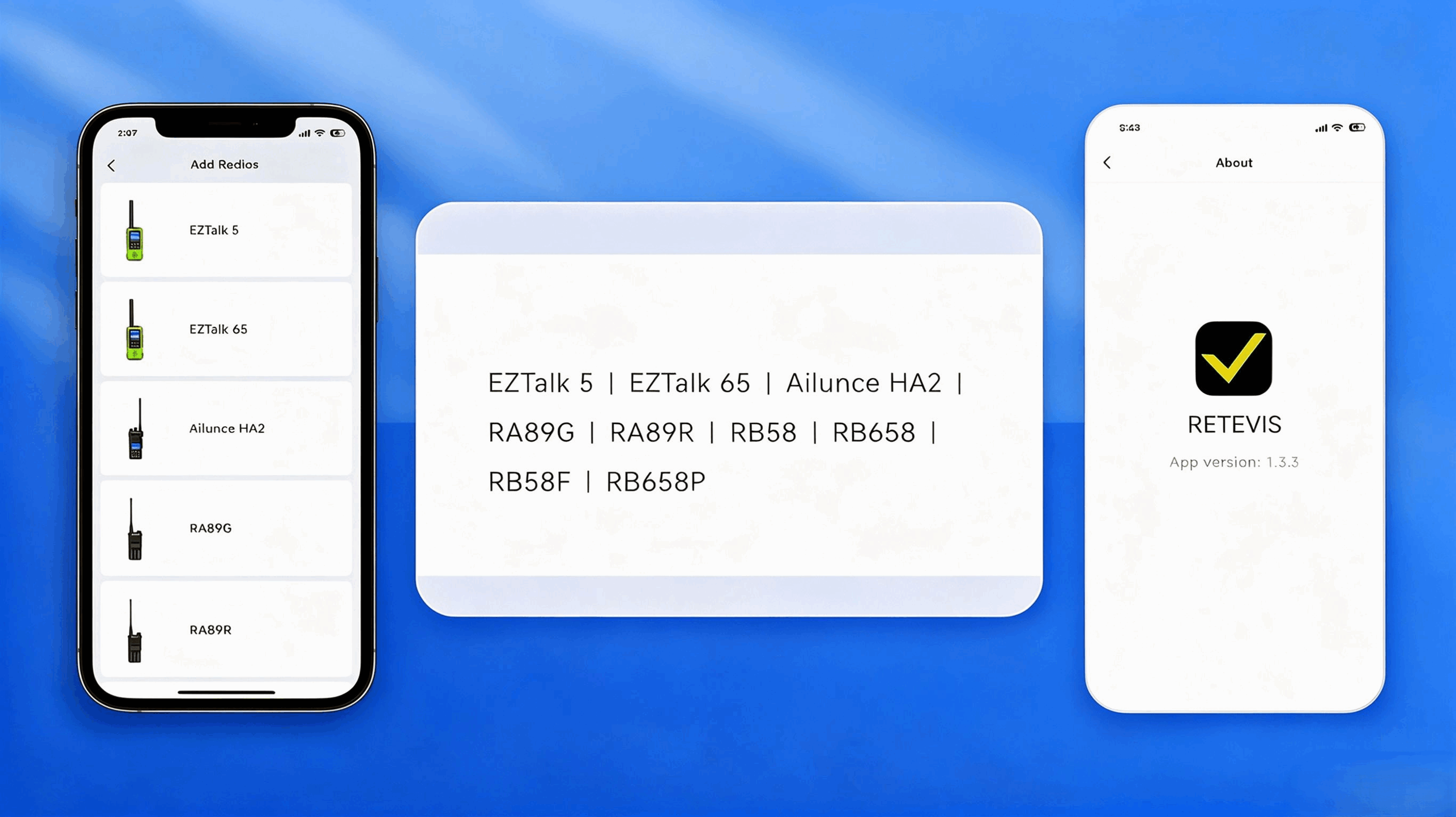
The official Retevis app currently supports a total of 9 walkie-talkie models across its four major product series. Support for additional models will be continuously expanded; users can view the complete list of supported devices on the “Add Device” page within the app.
|
Product Series |
Supports specific models |
|
EZTalk Series |
EZTalk 5, EZTalk 65 |
|
Ailunce Series |
Ailunce HA2 |
|
RA Series |
RA89G, RA89R |
|
RB Series |
RB58, RB658, RB58F, RB658P |
III. Download Methods and Version Information
Supported Systems and Minimum Versions
- iOS version: Compatible with iPhone & iPad; requiresiOS 12.0 and laterSystem Version
- Android version: Supports mainstream Android smartphones and tablets. Android 7.0 or later is recommended for full feature functionality.
Current Version
The official latest stable version is1.3.3Users can view their installed version number, Terms of Service, and Privacy Policy on the “Me → About” page within the app.
Official Download Channels
- Android users:
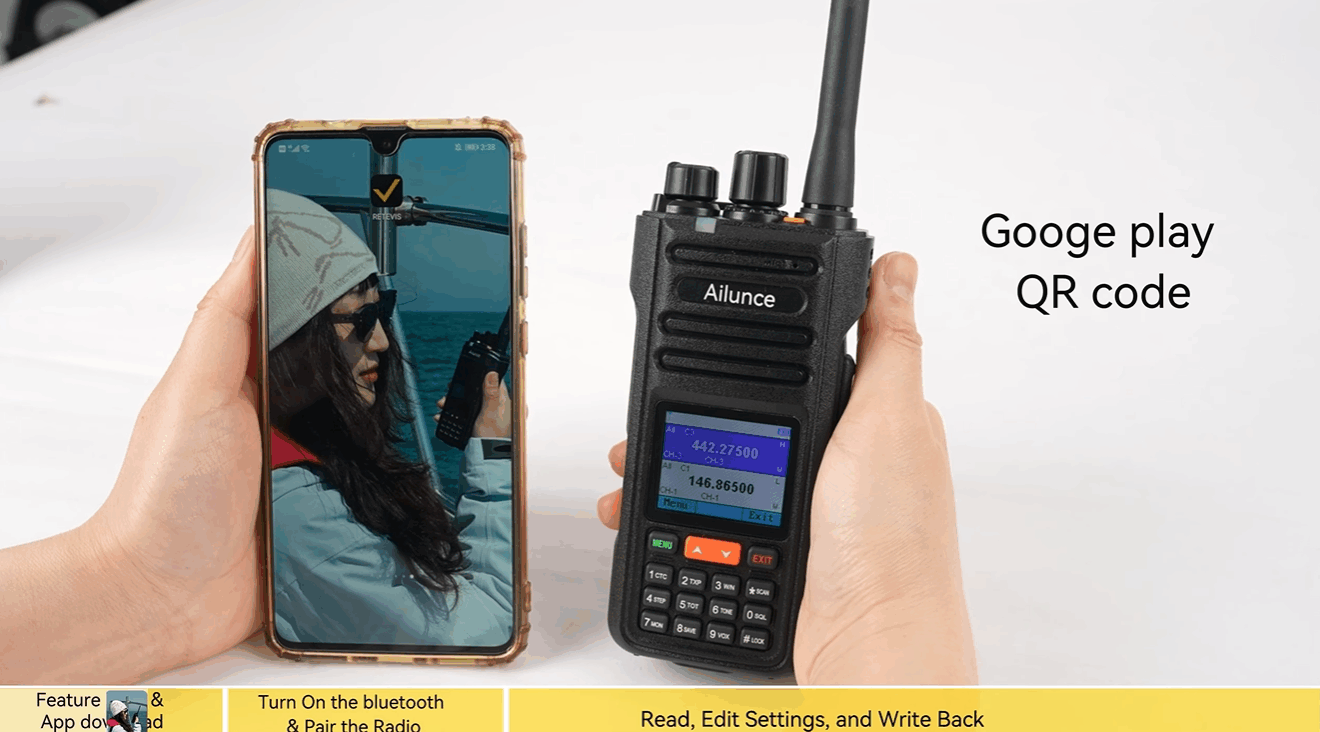
Search for “Retevis” on Google Play to download, or visit the official download page directly:
https://play.google.com/store/apps/details?id=com.retevis.app&referrer=utm_source%3Downer%26utm_medium%3Dblog%26utm_campaign%3D260525
- iOS users:
Search for “Retevis” on the App Store to download, or visit the official download page directly:
https://apps.apple.com/app/apple-store/id6748641481?pt=123806214&ct=owner_blog_260525&mt=8
IV. Three Steps to Get Started Quickly
- Download and install the Retevis app, register and log in with your email address.
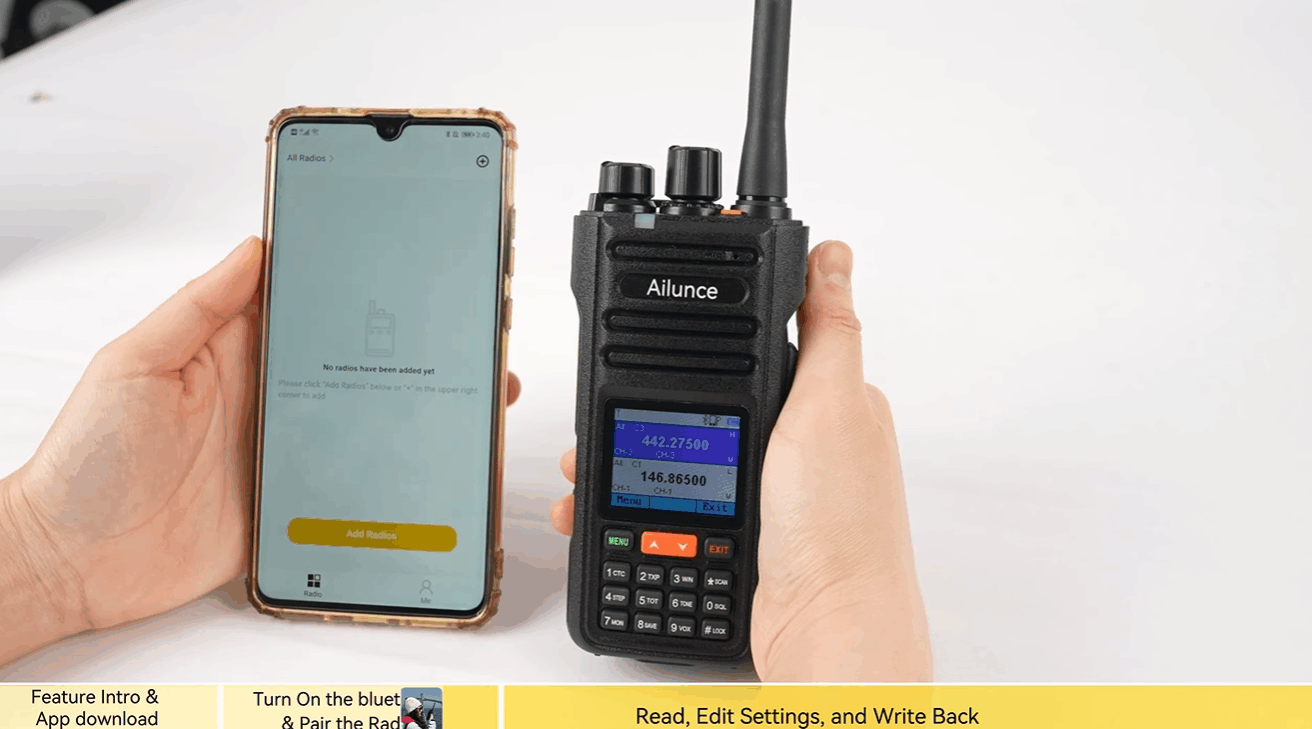
- Enable Bluetooth permissions on your phone, navigate to the “Radio” page, click the yellow “+” button in the bottom-right corner, and select your walkie-talkie model.
- Follow the instructions to complete device pairing, and you can then use all features, including device management and user manual lookup.
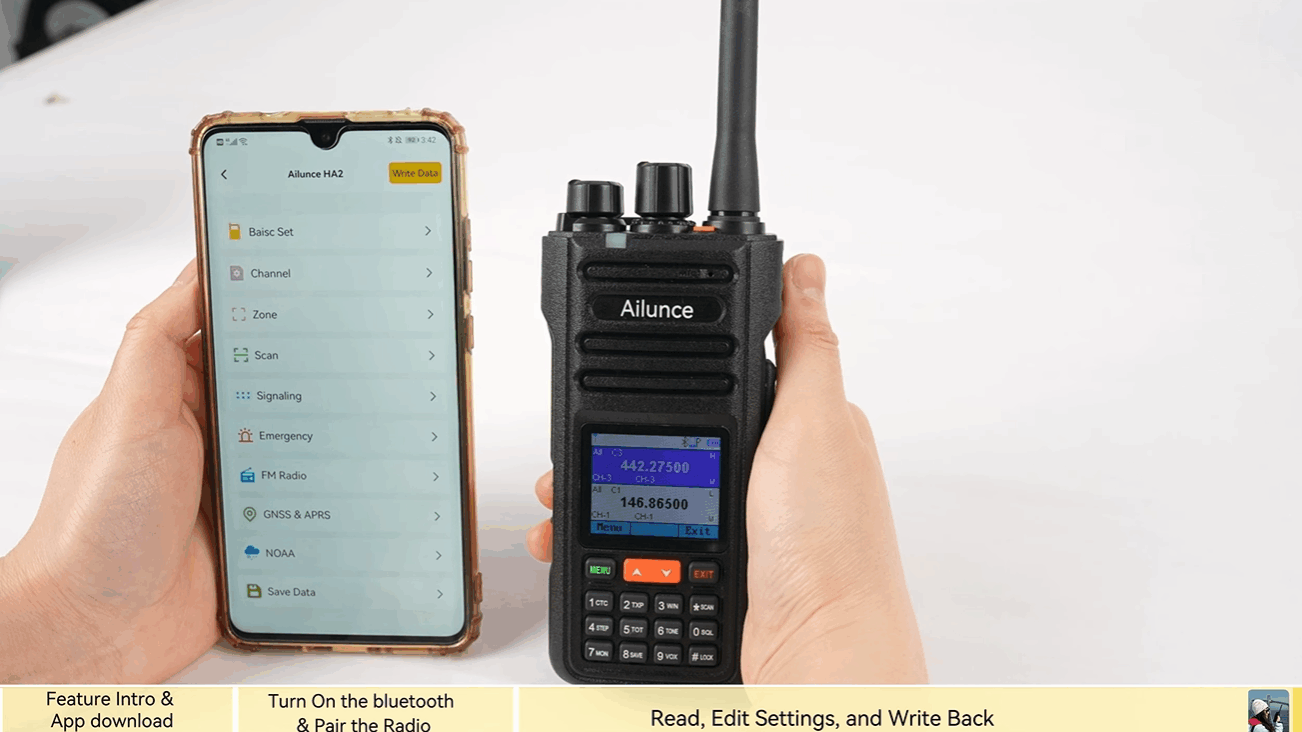
If you prefer to follow along with a step-by-step video guide, you can watch the Retevis APP operation tutorial here:
https://youtu.be/4K8p5trZnYo?si=tfRjLJOkpqi-lK9y
End
If you are a Retevis two-way radio user, download and try it now; if you have any new features you’re hoping for, you can also let the official team know via the feedback channel within the app.