+86 15093323284 hams@ailunce.com




How to Customize the Boot Screen with Your Own Image on Ailunce HA1G HA1UV
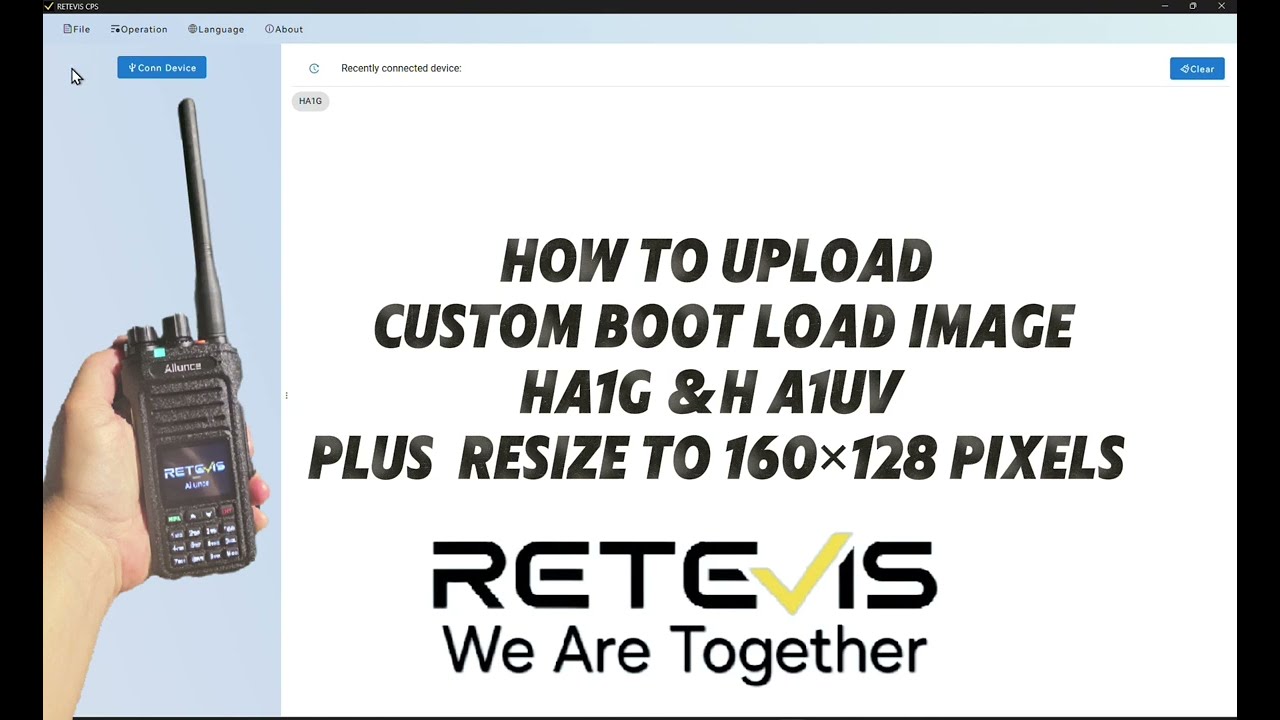
After get your Ailunce HA1G, there is a default boot screen, but it is possible to change it to your own image.
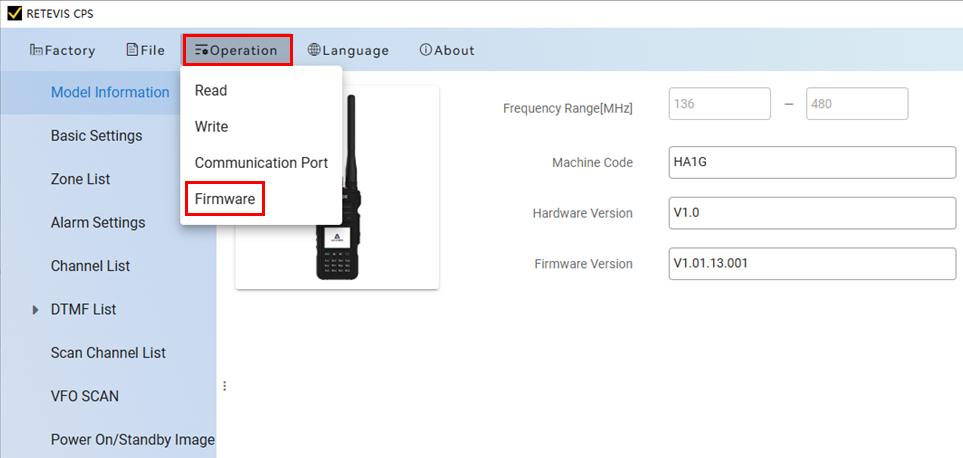
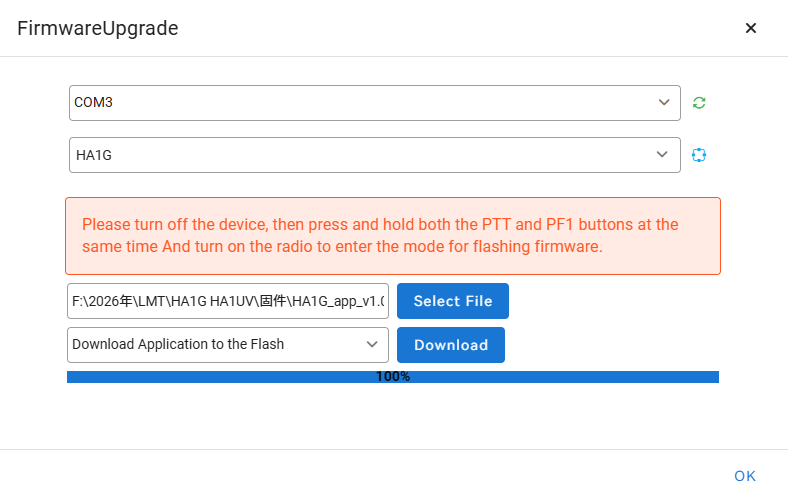
Customizing the boot screen on Ailunce HA1G, HA1UV radios requires updating to the latest firmware (V1.01.12.005 or newer),So please make sure the your radio current firmware is newer than V1.01.12.005.
If not, please download the RETEVIS CPS and Ailunce HA1G latest firmware and follow the firmware upgrade operation.
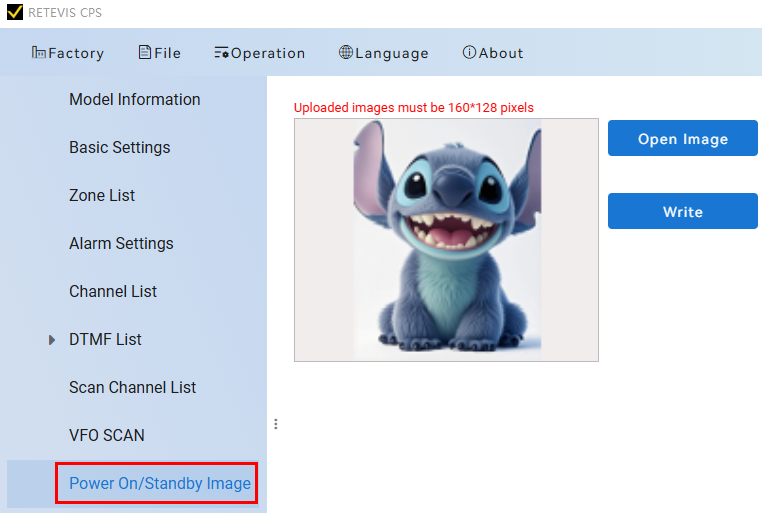
Next, make a specific boot screen BMP image. If you already have a good picture want to make it as a powerup boot screen image. You can change its size to 160*128 online this website. https://imageresizer.com/
Users must connect the radio, locate the "Power On LOGO" option in the software, and write the customized image to the device to finalize the change.
Operation video : Customize Your Boot Screen with Your Own Image