
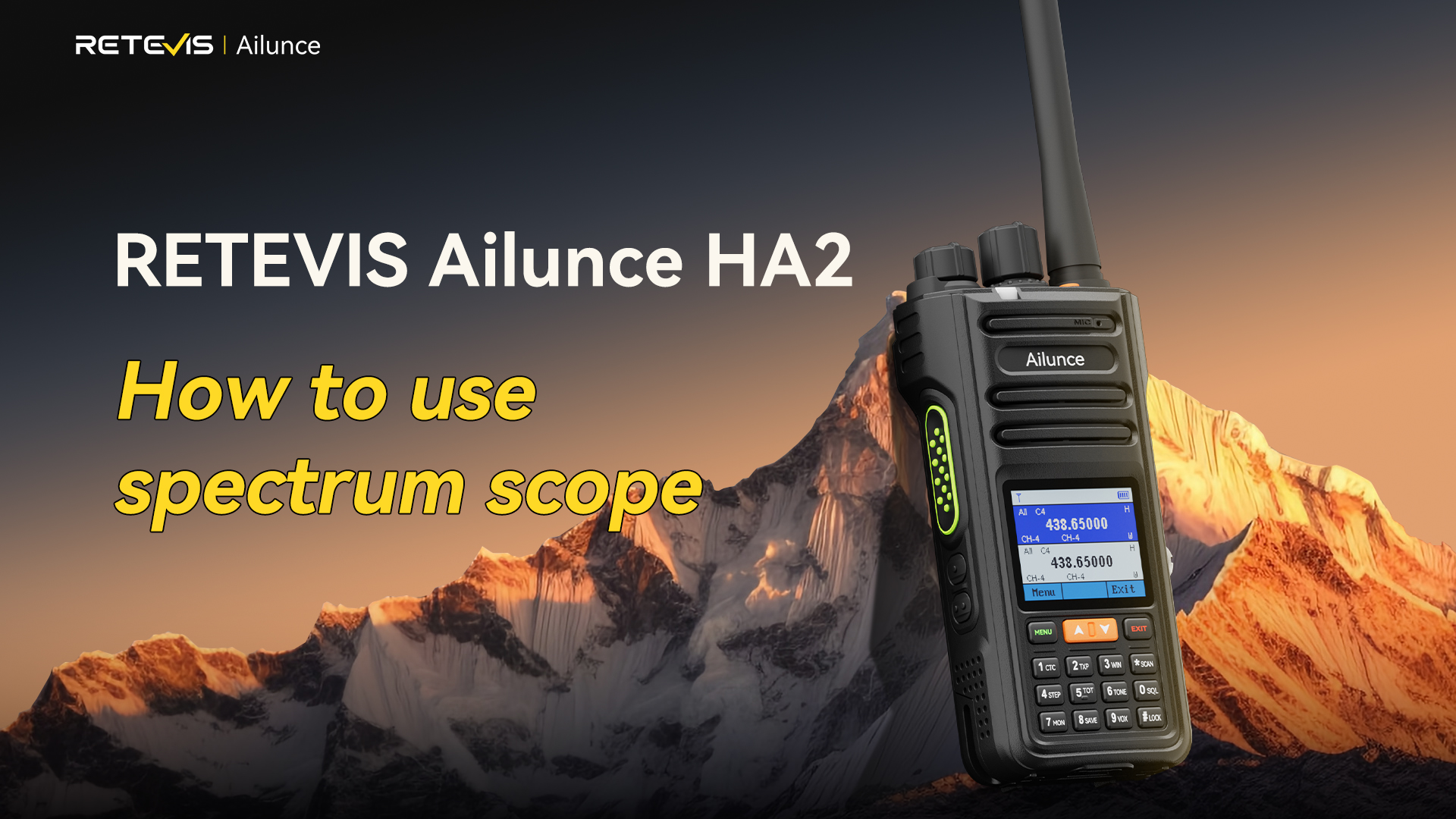
Many users of the RETEVIS Ailunce HA2 overlook its built-in Spectrum Scope, a powerful tool for monitoring radio signals and scanning frequencies. Mastering this feature can significantly improve daily ham radio operations, from spotting active channels to monitoring weak transmissions.
For beginners, the array of dB scales, bandwidth options, signal bars, and frequency steps may feel overwhelming. This guide breaks down every essential function of the RETEVIS Ailunce HA2 Spectrum Scope, step by step, so you can quickly learn to use it effectively.
👉🎥Video: Guide: Spectrum Scope Quick Key Guide | RETEVIS Ailunce HA2 / Ham Radio Tutorial
Preparation Before Using the Spectrum Scope
Before operating the Spectrum Scope on the RETEVIS Ailunce HA2:
-
Update the firmware
Make sure your device runs the latest Spectrum Scope firmware. -
Device setup
Ensure the RETEVIS Ailunce HA2 is powered on, in normal operation mode, and ready for scanning.
Six Core Features of the RETEVIS Ailunce HA2 Spectrum Scope
1. Adjusting dB Scale (RSSI Signal Strength)
The dB scale defines how signal strength is displayed. Both minimum and maximum values are adjustable.
-
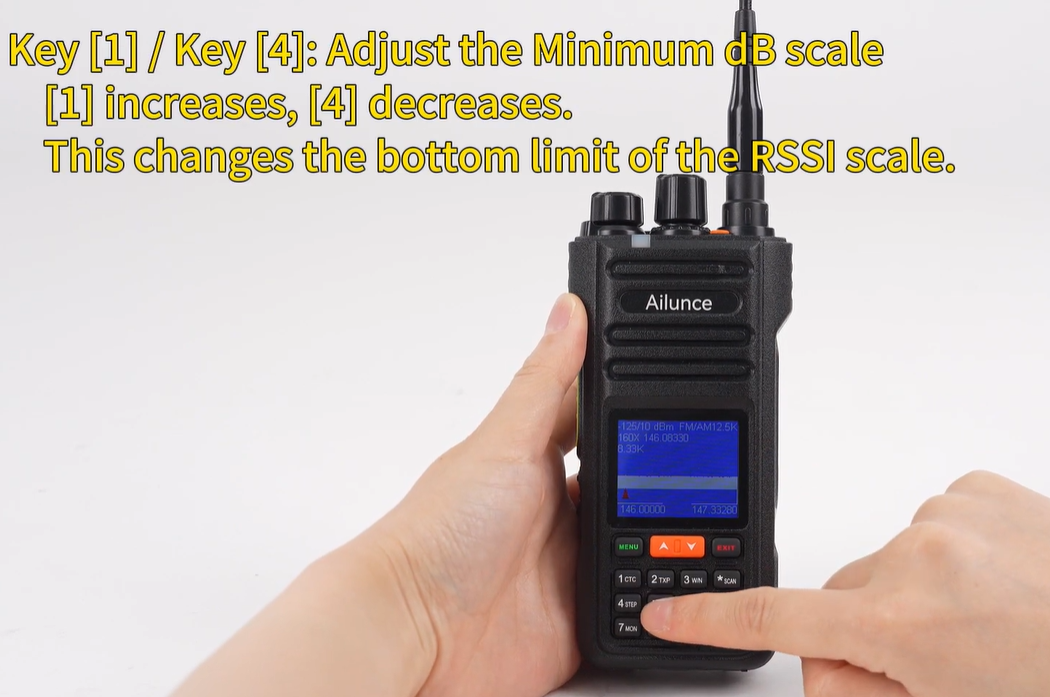
Minimum dB (K1/K4)
-
K1 increases the minimum value.
-
K4 decreases the minimum value.
-
Lowering the minimum helps detect weak signals.
-
-
Maximum dB (K2/K5)
-
Adjusts the top limit of the scale.
-
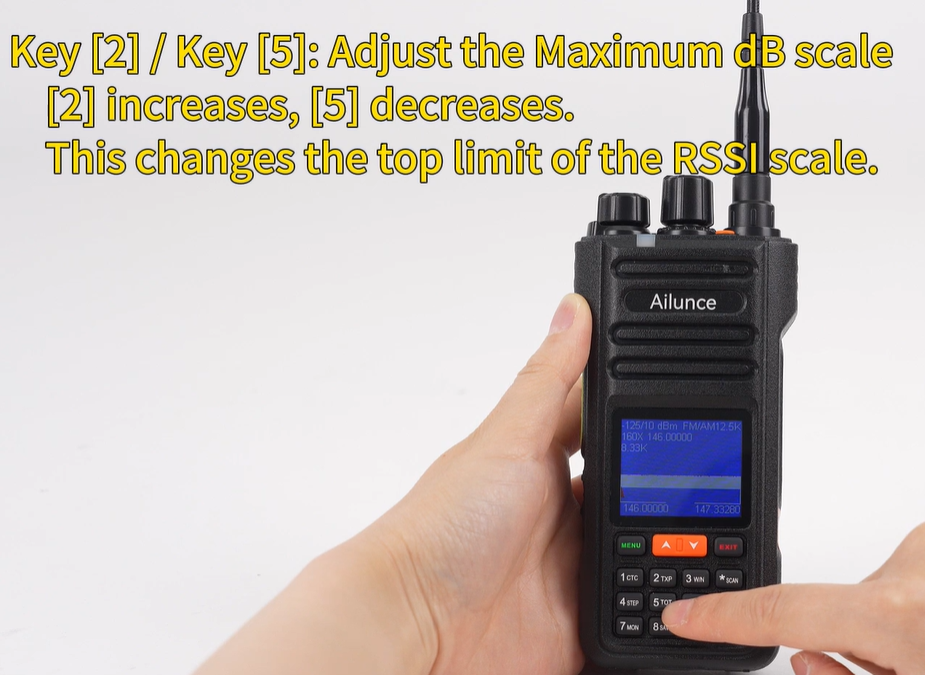
Use Case: Detect weak transmissions or prevent strong signals from exceeding display limits.
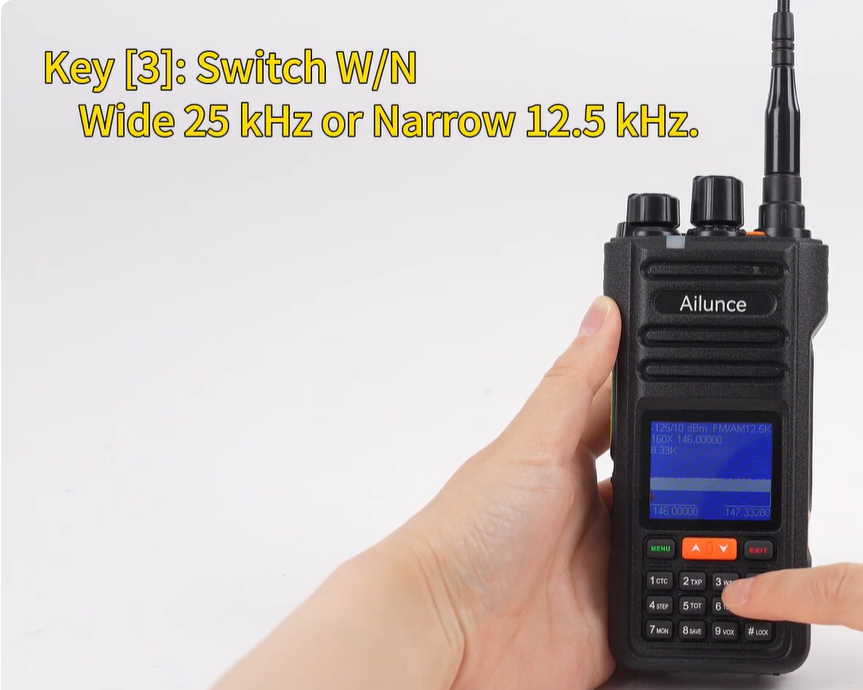
2. Bandwidth Switching (K3)
The RETEVIS Ailunce HA2 allows switching between:
-
Wide bandwidth (25 kHz): Covers larger frequency ranges for general scanning.
-
Narrow bandwidth (12.5 kHz): Focused for precise detection of weak or dense signals.
Use Case: Wide for sweeping an entire band, narrow for precise signal capture.
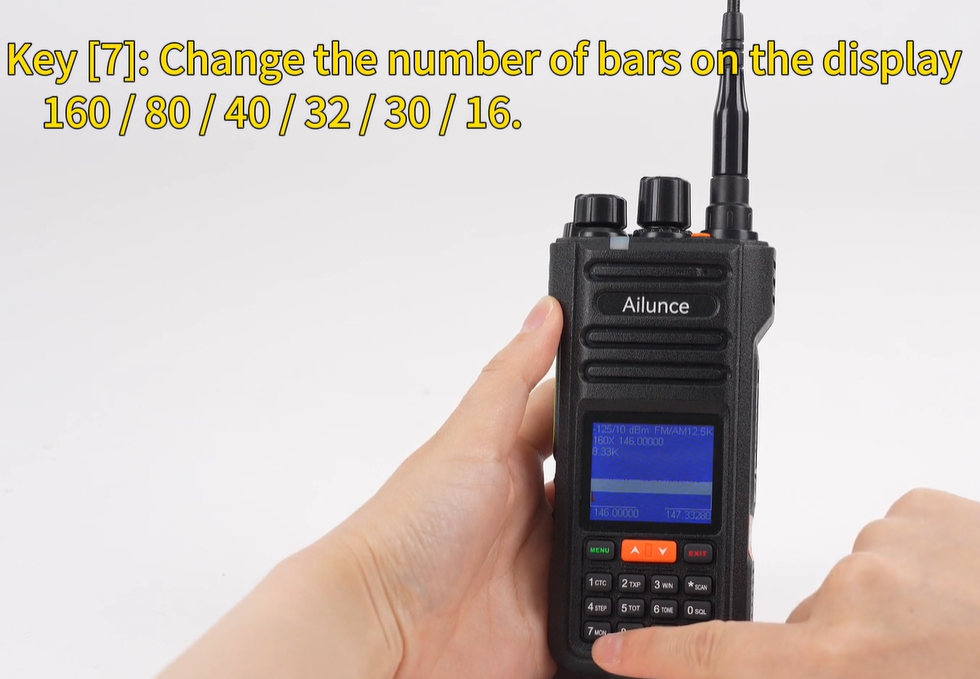
3. Spectrum Bar Count Adjustment (K7)
Control how many signal bars appear on the spectrum display: 16, 20, 32, 40, 80, 160.
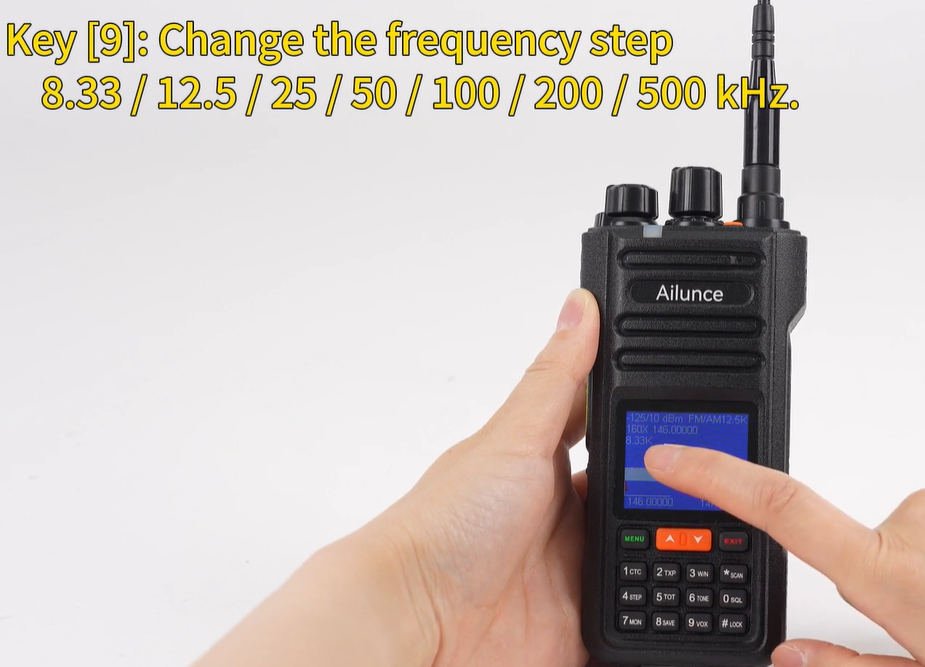
4. Frequency Spacing Between Bars (K9)
Adjust the spacing between adjacent bars from 8.33 kHz to 500 kHz.
-
Smaller spacing: Higher resolution, ideal for detecting nearby frequencies.
-
Larger spacing: Faster overview of a broad frequency range.
5. Frequency Tuning
Use the device's up/down keys to shift frequencies. Step size depends on the pre-set frequency step parameter. Combined with the spectrum display, this allows precise location of target signals.
6. Modulation Mode Switching
Switch between FM (Frequency Modulation) and AM (Amplitude Modulation) to match the type of monitored signals.
-
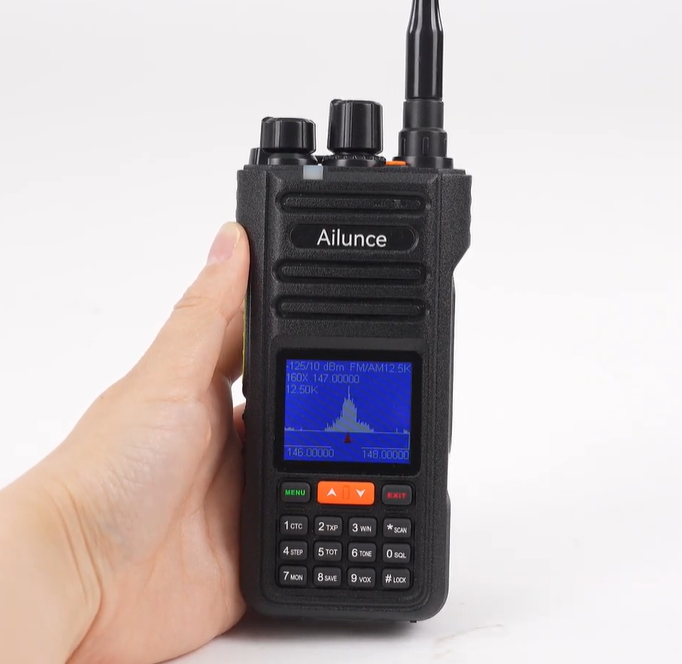
The device automatically calculates scan endpoints:
End frequency = Start frequency + (Number of steps × Frequency step)
No manual setting is required.
Practical Workflow for the RETEVIS Ailunce HA2 Spectrum Scope
All Spectrum Scope operations revolve around three principles:
-
Display optimization – Adjust dB scales to clearly visualize signals.
-
Signal adaptation – Switch bandwidth and bar settings to suit the monitoring scenario.
-
Frequency control – Tune frequencies accurately with step sizes and modulation modes.
Tips for Ham Radio Operators:
-
Wide scanning: Wide bandwidth + large spacing + more bars.
-
Monitoring weak signals: Narrow bandwidth + small spacing + adjust minimum dB.
-
Fixed frequency monitoring: Lock modulation mode and step size for stable observation.
Conclusion
The RETEVIS Ailunce HA2 Spectrum Scope is a practical, versatile feature. Mastering its six core functions allows efficient frequency scanning and accurate signal monitoring. By learning how to optimize display, adapt to signal types, and tune precisely, users can fully leverage the Spectrum Scope for daily ham radio operations.